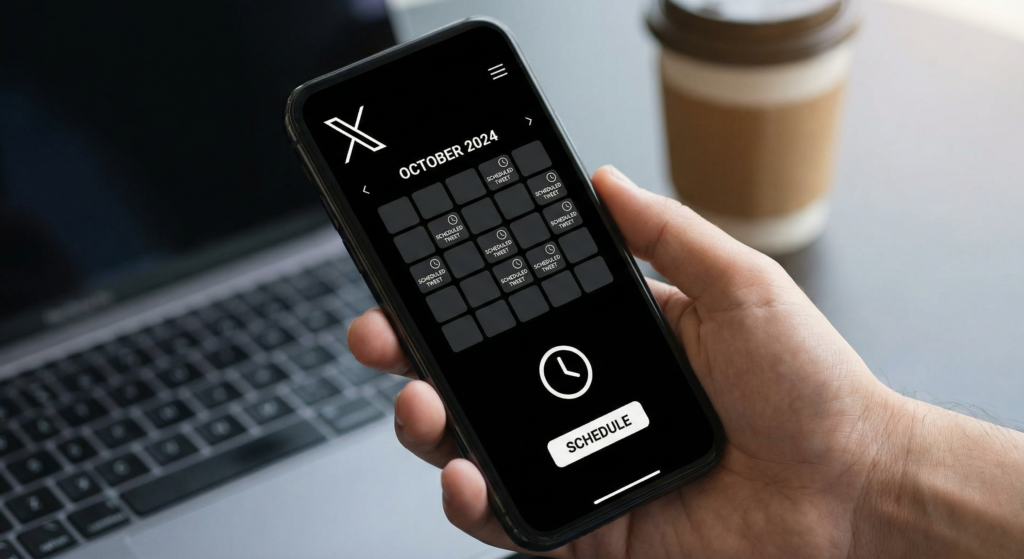
Scheduling tweets allows you to maintain a consistent posting rhythm on X without having to be online at peak posting hours. A scheduled tweet calendar ensures your account stays active during times when your audience is most engaged, even when you are asleep, traveling, or focused on other work. This guide covers the best tools for scheduling tweets in 2026, including X’s built-in scheduling feature and third-party platforms that offer more advanced options.
Scheduling Directly in X
X’s native composer includes a built-in scheduling feature. Compose your tweet as normal, then click the calendar icon at the bottom of the compose window. Select your desired date and time, confirm your time zone, and click Confirm. The tweet appears in your Drafts under the Scheduled tab where you can review and edit it before it publishes.
Limitations of Native X Scheduling
X’s native scheduler allows only one post at a time and requires desktop access. You cannot schedule threads natively without workarounds. The interface does not show you a content calendar view, and there are no analytics or optimization suggestions tied to scheduling. For simple, occasional scheduling, native X is sufficient. For consistent content calendars, a third-party tool is more efficient.
Third-Party X Scheduling Tools
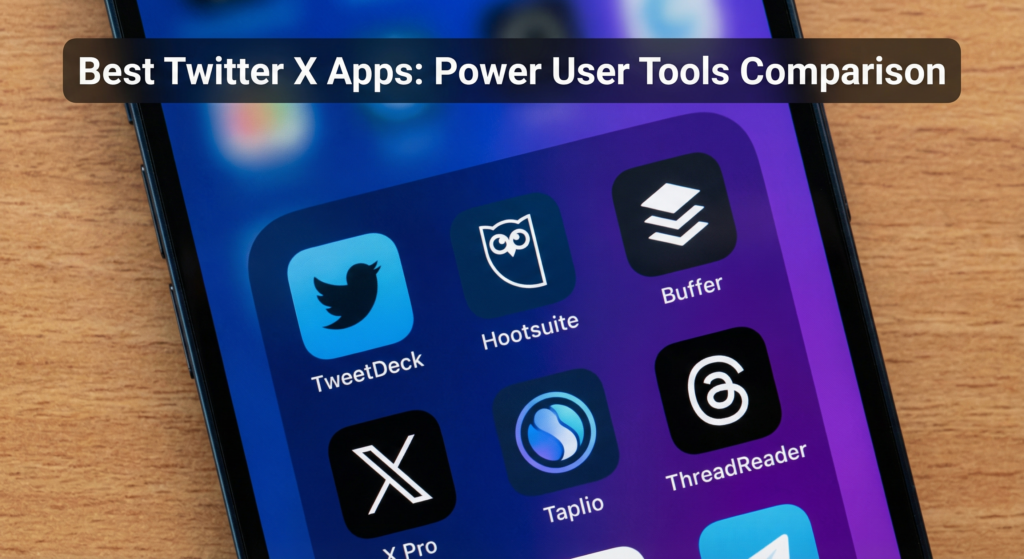
Several platforms offer X scheduling with more features than the native composer, including bulk scheduling, thread scheduling, best-time optimization, and analytics integration.
Hootsuite
Hootsuite is the most widely used social media management tool for teams. Its X integration allows scheduling individual posts and threads, bulk scheduling via CSV upload, best-time-to-post recommendations, and integration with other platforms like LinkedIn, Instagram, and Facebook. Hootsuite plans start at $99 per month. It is most cost-effective for teams managing multiple social accounts.
Buffer
Buffer offers a clean, simple scheduling experience focused on individual creators and small teams. You can schedule posts, add them to a content queue, and view your upcoming posts in a calendar view. Buffer’s Start Plan is free for up to three social channels. Paid plans with analytics start at $6 per channel per month, making it one of the most affordable third-party options for solo creators.
Typefully
Typefully is purpose-built for X (Twitter) content creation and scheduling. It specializes in writing and scheduling long-form threads with a clean distraction-free editor. Analytics show follower growth, impressions, and engagement at the thread level. Typefully is popular with creators who build their audience primarily through Twitter threads. Plans start at $19 per month.
Scheduling Tools Compared
| Tool | Thread Support | Best Time Suggestions | Starting Price | Best For |
|---|---|---|---|---|
| X Native | No | No | Free | Occasional single posts |
| Buffer | Yes | Yes | Free (basic) | Individual creators |
| Hootsuite | Yes | Yes | $99/month | Teams and agencies |
| Typefully | Yes (focus) | Yes | $19/month | Thread-heavy creators |
| SocialBee | Yes | Yes | $29/month | Category-based scheduling |
Best Practices for Scheduling X Content
Scheduling is most valuable when combined with a clear content calendar and an understanding of when your specific audience is most active. Use your X Analytics to identify the hours with the highest impressions and engagement for your past posts. Schedule new content to publish during these peak windows. Most X audiences are most active between 8-10 AM and 6-9 PM in the creator’s target time zone.
Frequently Asked Questions
Does scheduling tweets affect reach?
Scheduling itself does not negatively affect reach. Reach is determined by engagement signals after the post goes live. A well-timed scheduled post that generates strong early engagement will be distributed broadly by the algorithm regardless of whether it was scheduled or posted manually.
Can I schedule a Twitter thread with X’s native tool?
Native X scheduling does not support threads directly. You can schedule individual posts but cannot link them into a thread via the native tool. Typefully, Buffer, and Hootsuite all support thread scheduling. Compose the full thread in the tool and schedule it to post at your chosen time with all replies connected in sequence.
How far in advance can I schedule tweets?
X’s native scheduler allows scheduling up to 18 months in advance. Third-party tools vary but most support scheduling at least 60 days out. For content tied to seasonal events, product launches, or evergreen topics, scheduling weeks or months in advance is a common and effective workflow for busy creators and brands.
A Scheduling System Turns Occasional Posting Into a Reliable Habit
The most consistent X accounts are built by creators who plan their content in batches and schedule it in advance rather than posting reactively when inspiration strikes. Set aside two to three hours per week to write and schedule your X content for the coming days. Over time, this batch workflow produces more consistent quality and better timing than daily improvised posting.